


How to access Weekly homework and Practice tests.
Learn how students and parents can access assignments, upload completed work, and review available solutions through the student portal.
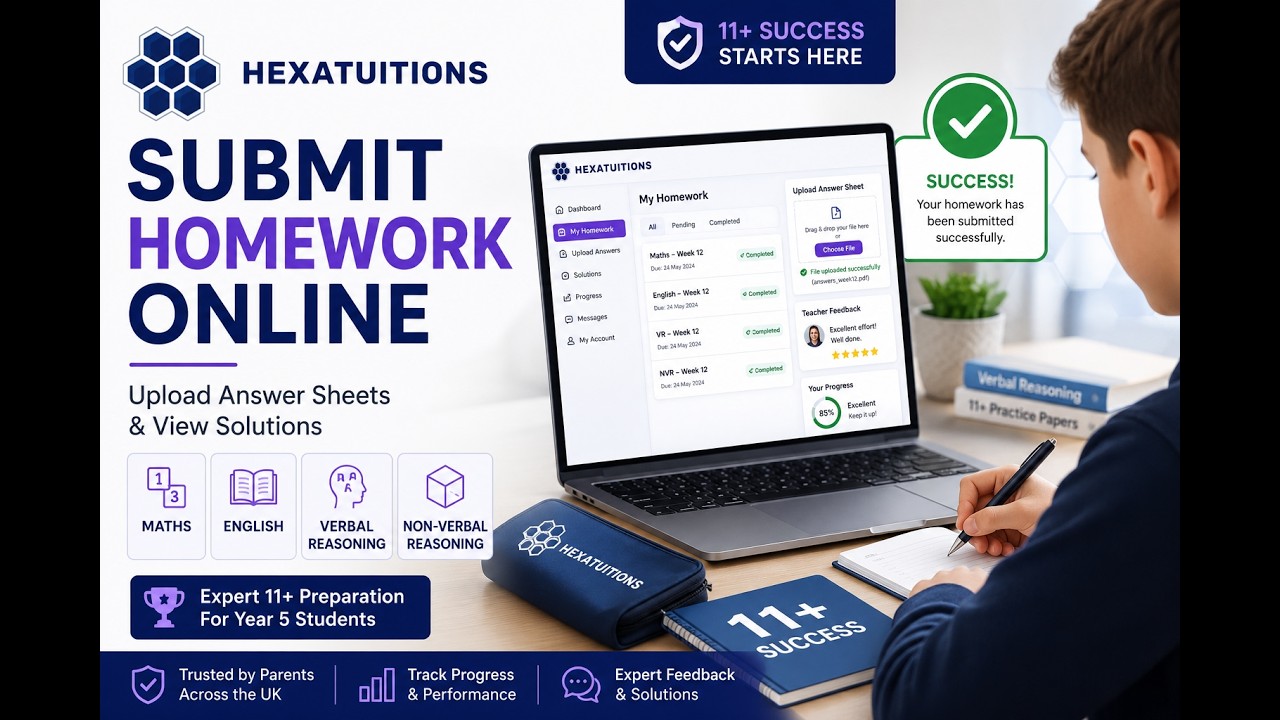
How Assignment Submission Works
Follow these simple steps to submit assignments and access solutions
Login to Student Portal
Access the student portal using your registered email and password. Parents can also log in with their child's credentials to monitor progress.
Open Assigned Homework
Navigate to the Assignments section to see all pending and completed tasks. Click on the homework you wish to work on.
Upload Assignment
Click the upload button, select your file (PDF, image, or document), and confirm. Your submission is instantly recorded in the system.
Review Submission
After uploading, double-check that the correct file appears. You'll see a confirmation message and can view your submission anytime.
Access Solutions
Once the teacher reviews your work, solutions and feedback become available in the Solutions tab for reference.
Things To Remember
Key points to ensure a smooth submission experience
Why This Portal Experience Helps
The student portal simplifies the entire homework workflow. No more lost papers, forgotten submissions, or unclear instructions.
With real-time updates, organized learning materials, and instant feedback, this platform creates a seamless educational experience that keeps everyone aligned and informed.
Simple Workflow
From login to submission in just a few clicks — minimal friction, maximum clarity.
Easy Access
Available anywhere, on any device. Students and parents stay connected at all times.
Organized Learning
All assignments, submissions, and solutions in one place — no more confusion.
Better Parent Visibility
Parents can monitor progress and support their child's learning journey effectively.
Frequently Asked Questions
Quick answers to common questions
Continue Your Learning Journey
Access assignments and stay connected with your learning progress.
Open Student Portal